
For about two years my job looked like this: open a browser in the morning, keep opening tabs until the little favicons were too narrow to tell apart, then copy fragments of them into a chatbot in yet another tab and hope something coherent came back. I told myself this was research. It was mostly transportation. I was a courier carrying text from one window to another, and I was the slowest part of my own process.
Who I am
I am Elias. I do freelance market and competitor research for small product teams - the kind of teams that cannot afford an analyst on payroll but still need someone to read forty pages of pricing pages, regulatory filings, forum threads and half-abandoned documentation, and come back with something a founder can act on before lunch.
It is a good living and a strange one. Nobody sees the work. Clients see a tidy two-page brief. They do not see the eleven hours of scrolling, the PDFs that open in a viewer with no search, the conference talk on video where the one useful number is buried at minute thirty-eight, the documentation in a language I do not read. They just see the brief, and they assume it arrived the way it looks: calm and organised.
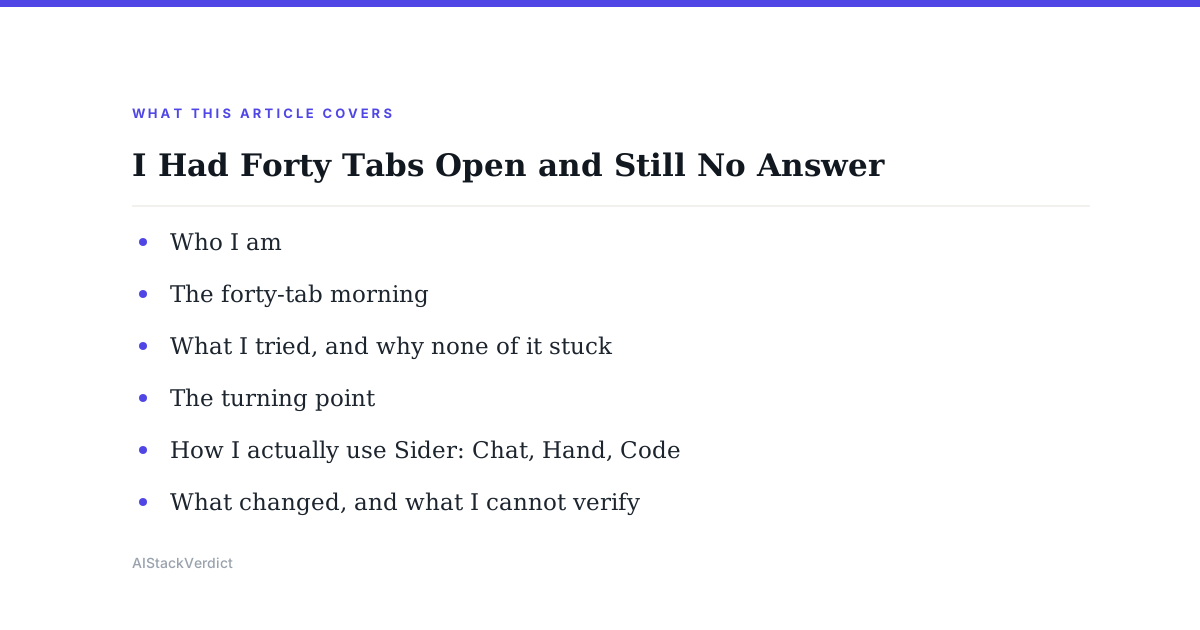
The forty-tab morning
The morning I remember was a competitor teardown. Three pricing pages, two PDFs of filings, a forum thread, two recorded talks, a spreadsheet, and my notes doc. Plus a chatbot tab where I was pasting chunks of all of it, one at a time, losing the thread of which paste came from where.
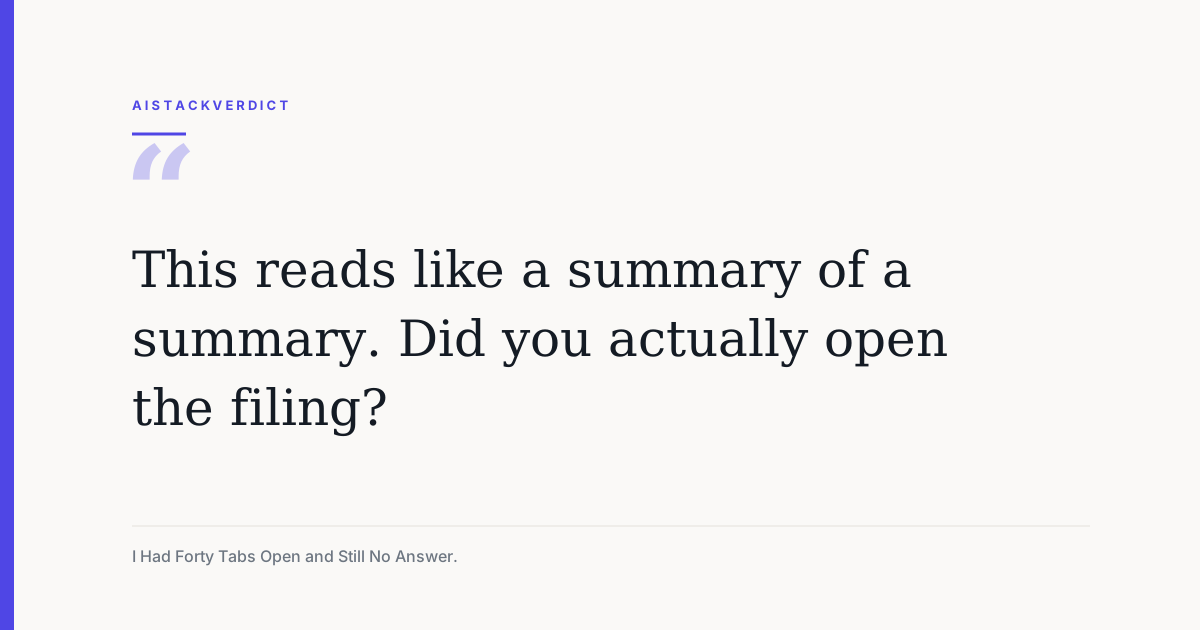
I delivered late, and thin. The reply came the next morning and it was polite, which somehow made it worse:
This reads like a summary of a summary. Did you actually open the filing?
I had opened the filing. I had opened it four times. What I had not done was read it properly, because reading it properly meant leaving the tab where my thinking lived, and every time I left, I lost my place. The browser was not helping me research. It was a room where I kept setting things down and forgetting which pile they were in.
What I tried, and why none of it stuck
I am a systems person, so naturally I tried to solve a focus problem with more systems.
- Tab managers. I installed two. They were excellent at putting my forty tabs into tidy named groups, which meant I now had forty tabs and a filing cabinet. The copying and pasting did not change at all.
- A second monitor dedicated to the chatbot. This genuinely helped for about a week, and then I noticed I was just turning my head instead of switching windows. The context still had to be carried by hand, one selection at a time.
- Subscribing to a second AI model because the first one kept being wrong about numbers. Now I had two chatbot tabs, and the job of pasting the same passage into both and adjudicating between them landed on me. I had automated nothing and doubled my admin.
Every fix treated the AI as a destination I had to travel to. None of them questioned the travelling.
The turning point
A developer I share a coworking desk with watched me do the paste-shuffle for ten minutes, said nothing, then sent me a link. I was sceptical in the specific way you get after buying three productivity tools in a year. My honest expectation was another chat window with a different logo.
What the homepage actually leads with is a position, not a feature list. The page presents itself as an 'AI Sidebar and Agent for the Browser', and the headline on it reads 'Your AI Agent for the Browser' - one sidebar for everything you do in the browser. That is a small sentence and it reframed the whole problem for me. Not another tab. The margin of the tab I am already in.
The rest of the page organises the product into three words: 'Chat. Hand. Code.' I have now used all three, in very different amounts, and the split turned out to be an honest description rather than marketing rhythm.
How I actually use Sider
Let me be clear about my scale before I describe anything. I am one freelancer doing desk research. I have not run this against a team workflow, I have not tested it on anything sensitive or regulated, and everything below is either Sider's own description from their homepage or my own subjective experience of using it. I will keep those two things clearly separated.
Sider Chat - the part I use every hour
This is the piece that replaced the paste-shuffle. The homepage describes it as understanding 'any content, right on your page', and says you can ask Sider Chat about any page using GPT, Claude or Gemini: it summarises videos, translates languages, explains ideas and answers follow-ups. Elsewhere it frames the same idea as summarise, explain, translate and explore any content - web pages, PDFs, videos and more.
- On PDFs: for me, this is the single biggest change. The filing I was accused of not reading is now something I interrogate in place - I ask what a segment breakdown says, and I stay on the document while it answers, so I can check it against the actual paragraph instead of against my memory of a paste.
- On video: for me, recorded conference talks went from a ninety-minute tax to a short scan. I ask what the speaker claims about pricing, then jump to that part and listen properly. I still listen - I just stop listening to the other eighty-five minutes.
- On translation: for me, this quietly opened up sources I used to skip. Documentation and forum threads in languages I do not read are now inside my research radius instead of outside it.
- On follow-ups: for me, this is the part the second monitor never solved. The conversation stays attached to the thing I am looking at, so asking a third and a fourth question does not cost me my place.
Sider Hand - the part I did not expect to use
This is the agent side, and it is the piece I approached most cautiously. The homepage says to give Sider Hand a task, that it 'works across real websites, uses your logged-in sessions, and turns multi-step work into usable results', and describes the use case as research, compare, extract and organise information across the websites you already use. The demo they show on the page is someone asking it to help build a gaming PC under a budget by comparing graphics card, processor and motherboard prices across three retailers.
- For me, that comparison-shopping demo maps almost exactly onto competitor pricing work: the same shape of task, open several sites, pull the same three fields from each, put them side by side.
- For me, the 'uses your logged-in sessions' line is the part worth thinking about before you enable anything. It is what makes the feature useful on real sites rather than only public ones, and it is also a genuine reason to be deliberate about what you point it at. I keep it to public research pages and I would suggest you do the same until you have your own comfort level.
- For me, the honest limit is that I still check the output. An agent that gathers is a real time saving. An agent that concludes is not something I hand a client unread, and I do not think the homepage claims otherwise.
Sider Code - the strangest one
I almost skipped this section on the homepage because I assumed 'Code' meant a coding assistant. It does not. The page says you can customise any website 'in plain words': tell Sider Code what to change, and 'it updates the page in real time and remembers your changes for future visits', described as edit, restyle, simplify and save changes to any website you visit, kept for next time. Their own example is changing a document editor to dark mode and adding a summarisation button to it.
- For me, the useful version is simplification rather than decoration. There are two client dashboards I look at weekly that bury the number I need under three panels I never read.
- For me, the 'kept for next time' part is the whole point. A one-off cosmetic tweak is a toy. A change that is still there next Tuesday is a workflow.
- For me, this is also the feature I would call a bonus rather than a reason to install anything. I would not have paid attention to it on its own. Sitting next to Chat, it turned out to be the one I end up demoing to other people.
The model picker
The thing that finally retired my second chatbot subscription is that the model is a dropdown, not a separate account. The picker shown on the homepage lists their own Sider Fusion alongside named models from several different labs - GPT, Claude, Gemini and DeepSeek options all appear in that list.
- For me, this killed a whole category of admin. I used to decide which subscription a question belonged to before I asked it. Now I ask, and if the answer feels shallow I switch model and ask the same thing again without moving.
- For me, the practical habit became model-per-task rather than model-per-loyalty: a fast one for scanning and summarising, a heavier one when I need reasoning I am going to stake a recommendation on.
- A caution I will not skip: which specific models are available to you, and on which plan, is exactly the kind of detail that changes constantly on any AI product. The homepage displays a list. Check their own pricing page for what your account actually gets - do not treat a blog post's description of a dropdown as your contract.
The rest of the menu, which I have barely touched
The site lists considerably more than I use: deep research and scholar research modes, audio to text, interactive reading, gamified learning, an essay writer, an image generator, a background remover and a handful of other image tools. I do desk research on a laptop. I am not going to review a study-tools suite or an image editor I have opened twice, so I am telling you they exist and leaving the verdict to someone who lives in them.
One thing I did use, and will mention because it was the difference between trying it and keeping it: the homepage says 'one account, across all devices' and lists Chrome, Edge, Mac OS, Windows, iOS and Android. Reading a filing on a phone on a train and picking the same thread back up at the desk is the part that made this stop feeling like a browser extension and start feeling like a place I work.
What changed
I want to be careful here, because this is exactly the point in a story like this where someone invents a percentage. I did not time myself before, and I am not going to hand you a number I made up.
What I can describe is the shape of the day. The tab count went down on its own, without a tab manager, because most of what used to require a second window now happens in the margin of the first one. Sources I used to quietly skip - the foreign-language thread, the ninety-minute talk, the PDF with no search - stopped being skippable. And the specific failure that started all this, the summary of a summary, has not happened again, because I no longer have to leave a document in order to think about it.
The objection, and my honest answer
Someone always asks whether this is outsourcing my judgement, and it is a fair question to ask a person whose entire value proposition is judgement. Here is my answer. The part of this job worth paying for was never the scrolling. It was deciding what mattered, noticing the thing a company did not put in its headline, and knowing which of two contradictory sources to believe. None of that got easier. What got easier was arriving at the point where that thinking starts.
There is a version of this that would be outsourcing: pasting a model's summary into a client brief and calling it research. That version has been available with every AI tool ever made, including the ones I was already using in a separate tab, and it was a bad idea before Sider existed. Having the assistant closer to the source material has, if anything, made me check more often, because the source is right there.
What I can and cannot verify for you
Let me draw the line clearly. The social proof on their homepage - that they are 'Trusted by 10M+ Users Worldwide', the '10M+' active users and '100K+' five-star ratings figures, and the Chrome Web Store badges for Editors' Picks in 2026 and Favorites of the Year in 2025 - is Sider's own presentation of its own numbers. I have not audited any of it, and you should not treat a freelancer's blog post as confirmation that it is accurate.
Everything I quoted about Chat, Hand and Code is the company's description of what its own features do, taken from that homepage. What I can vouch for is that the three things exist, that I use two of them constantly and one occasionally, and that my experience matched the descriptions closely enough that I did not feel oversold. That is a sample size of one freelancer doing one narrow kind of work.
On money: the homepage has a 'Get Sider for Free' button and a pricing page, and I am deliberately not quoting figures at you. Plans, limits and which models sit on which tier are the fastest-moving details on any AI product's site. Install the free version, use it on a real piece of work for a week, and read their current pricing page yourself before you subscribe to anything.
The new Elias
The old me measured a research day by how many tabs survived until evening, as if the open windows were the work. They were not. They were forty small unfinished promises glowing at me, and the guilt of them was doing more damage to my concentration than any single article ever did.
The new me reads in one place. I open a thing, I stay with it, I ask it questions, I move on and close it. That sounds almost too small to write a whole post about, except that it is the difference between the work I was delivering on the morning I got that email and the work I deliver now. The tool did not make me a better analyst. It stopped the browser from making me a worse one.
If your browser looks like mine did
If you have ever had so many tabs open that you could not read a single favicon, or copied the same paragraph into a chat window three times because you kept losing where you were, you probably do not need another tab manager or a second monitor. You may just need the assistant to stop being somewhere else. It is free to install, and it takes exactly one real task to find out whether it fits the way you work.
Disclosure, plainly: this story is told from the point of view of one freelance researcher, and every feature description, user count and award badge in it is labelled as Sider's own homepage claim rather than something I measured or audited. If you sign up through my link, AIStackVerdict may earn a small commission at no extra cost to you. That does not buy a softer review - the client email that stung is in here, and so is every limit on what I can actually confirm.
- Elias
Community discussion
Enjoyed this story? Share your thoughts below.