
People tell me I'm a brilliant listener. On a call, I'm warm, I'm curious, I ask the follow-up question nobody else thinks to ask. And for years, the moment I hung up, most of what I'd heard started draining out of my head like water through a sieve. I was great on calls and useless after them. It took one very polite, very cold sentence from a client to make me admit it.
Who I am
I'm Grace. I work from a spare bedroom as a freelance recruiter, matching small tech companies with people they'd never find on their own. My days are phone calls: a candidate at nine, a hiring manager at ten, a quick check-in on a video meeting at eleven, another candidate squeezed in before lunch. Two evenings a week, I also sit in an online certification course, because I decided at forty-one that I wasn't finished learning.
Freelancing sounds free. Mostly it's lonely. There's no assistant taking minutes, no colleague who remembers what the client said about salary bands, no one to ask 'wait, which candidate was the one who wanted remote-only?' It's me, a headset, a mug of tea and a memory that I used to trust far more than I should have.
The call I had already had
It happened on a Thursday. I was presenting a shortlist to a founder I really wanted to keep as a client. Halfway through my second candidate, she stopped me. That candidate needed to relocate, and she had told me, clearly, the week before, that relocation was off the table for this role.
I scrambled through my notebook. There it was, sort of. Somewhere on a page covered in arrows and half-words, I had written 'reloc?' with a circle around it. That was all. The meaning had evaporated. She waited, then said the sentence I still hear sometimes when I'm falling asleep:
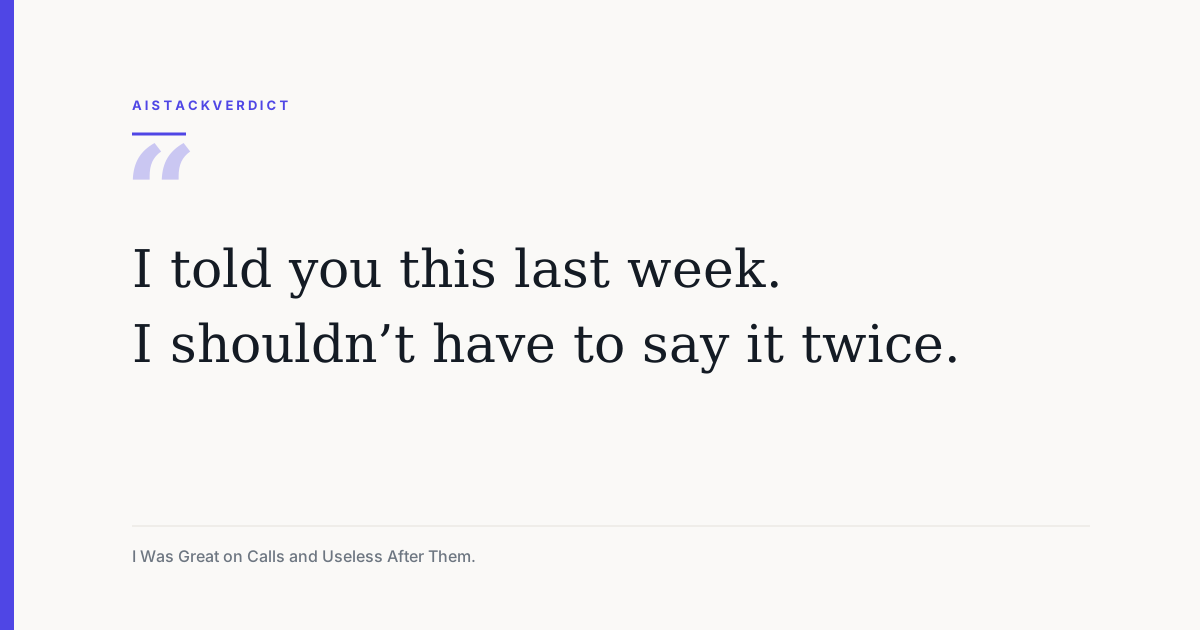
I told you this last week. I shouldn't have to say it twice.
She didn't fire me. But I felt the temperature drop, and I knew what she was thinking: if Grace can't hold on to one detail, what else is she losing? That evening I closed the laptop, sat on the edge of the bed and seriously wondered whether I was cut out for doing this alone.
What I tried first, and why it failed
I'm stubborn, so I didn't quit. I tried to fix it the hard way first.
- Typing notes live during calls. My notes got better, and my calls got worse. Candidates could hear the keyboard, and I kept missing the small hesitation in someone's voice that tells you what they really think.
- Recording everything and promising to listen back later. I never listened back. Nobody has time to replay a forty-minute call to find one sentence about notice periods.
- A beautiful system of colour-coded sticky notes. It lasted nine days. Then a sticky note about a salary expectation ended up stuck to the underside of my tea mug.
Every fix asked me to choose between being present and being organised. I couldn't find a way to be both.
The turning point
A classmate from my evening course mentioned HyNote in the chat one night, almost in passing. She said she'd stopped taking lecture notes altogether. I rolled my eyes a little. I'd seen plenty of apps promise to 'change how you work'.
But the headline on its homepage was oddly specific to my problem: 'Turn any audio, meeting, or file into clear, actionable notes.' And right under that, three words that felt like they were aimed straight at me: 'Never take notes again.' I signed up on the free option and decided to test it on something low-stakes: a recorded voice memo of me talking through a candidate's background.
When the notes appeared, I actually went quiet. There were the key points, laid out neatly. There was a short summary. There were action items I had mentioned without even noticing I'd said them out loud. It was the version of my brain I had always wished I had after a call.
How I actually use HyNote
I didn't adopt every feature at once, and I still haven't. Here's what has actually made it into my week.
Calls and meetings
The homepage lists a lot of ways to capture: recording audio, phone calls, live meetings on Zoom, Google Meet, Teams and Webex, uploads of text and PDFs, images and screenshots, YouTube videos, web pages, even an Apple Watch. For my job, the calls and meetings are what matter.
- Meeting minutes and key points: for me, this is the whole reason I stayed. After a client call I get a clean summary instead of a page of arrows.
- Action items: for me, this is where the 'reloc?' disaster would have been caught. The thing the client asked for becomes a task, not a squiggle.
- Speaker identification: the homepage says it handles up to 10 participants. My calls are rarely more than three people, but it matters when a hiring manager and a team lead both chip in and I need to know who wanted what.
- Follow-up emails: for me, this is the quiet time-saver. I still rewrite them in my own voice, but I'm no longer starting from a blank screen at six in the evening.
My evening course
This part surprised me. HyNote has a whole set of study tools listed on the homepage: study notes, lecture summaries, reading notes, a PDF summarizer, flashcards, quizzes and a study plan.
- Lecture summary: for me, this means I can actually watch the lecturer instead of scribbling.
- PDF summarizer: for me, the dense course readings become something I can skim before class and understand properly afterwards.
- Flashcards and quizzes: for me, these turned the night before an assessment from panic into practice.
Keeping it all in one place
The organisation side is simple: tags, folders and snippets. The feature I lean on most is 'Chat with All Notes'. When a client asks, 'Didn't we talk about a contractor option back in the spring?', I can ask my notes instead of flicking through old notebooks. The homepage also mentions one-click export to Google Docs and Notion, PDF and TXT downloads, and syncing with Google Calendar and Apple Calendar. I mostly use the Google Docs export to share shortlists with clients.
It also lists iOS, Android, a web app, Mac, iPad, Apple Watch and a Chrome extension, with real-time sync between them. In practice I capture on my phone and tidy up on my laptop, and I haven't had to think about it.
Things I've barely touched
There's a publishing section on the homepage that talks about turning notes into a blog, a podcast, slides and an AI infographic, plus templates like SWOT analysis, case studies and brainstorm notes. There are also 'AI Skills' and 'AI Recipes'. I've tried the interview notes template, which is lovely for candidate screens. The rest is on my someday list, so I won't pretend to review it.
What changed, honestly
I'm not going to give you a placement rate or a revenue figure. One freelancer's experience isn't data, and I'd rather you trust me than be impressed by me.
What I can tell you is how my work feels now. I look at the person on the screen instead of my keyboard. I hang up and the notes are waiting, instead of the dread. My follow-ups go out the same day. And a few weeks after that Thursday, the same founder ended a call by saying, 'Thanks, you clearly remembered everything from last time.' I smiled so hard my headset slipped.
Isn't recording people a bit sneaky?
This was my biggest worry, and I think it should be yours too. My rule is simple: I tell people at the start of every call that I use an AI note-taker, and I ask if that's okay. Almost everyone says yes. A couple of people have said no, and then I take light notes by hand. The tool doesn't decide what's respectful. You do.
The other worry was whether it would make me lazier. It hasn't. HyNote remembers the words. I still have to understand the people. If anything, I listen better now, because I'm not splitting my attention between a person and a page.
What I can and cannot verify for you
I want to be clear about where my experience ends and HyNote's marketing begins. The homepage says 'up to 99% accuracy for clear speech' based on internal benchmarks, support for 50+ languages, and file types like MP3, WAV, M4A and AAC. I work in English on mostly clear calls and it has been reliable for me, but I haven't measured accuracy and I haven't tested other languages.
The homepage also claims 1M+ users worldwide, 2,000+ teams, and ratings of around 4.8 out of 5 on the App Store and Google Play. It lists security points like AES-256 encryption at rest, TLS 1.3 in transit, SOC 2 Type II infrastructure, and GDPR, CCPA and HIPAA-aligned workflows. I can't audit any of that, so treat them as HyNote's own claims, and if you handle sensitive information, check the details with them directly.
On money: the homepage has a 'Start For Free' option, and I started there. I'm deliberately not quoting prices because plans change. Look at the current pricing page before you commit.
The new Grace
The old me thought being a good listener was enough. The new me knows that listening is only half of it. The other half is remembering, and following through, and showing people that what they told you actually landed.
Now there's a recruiter who goes into calls relaxed instead of braced. Who walks into her evening class without a pen in her hand. Who never has to hear 'I shouldn't have to say it twice' again. It took one cold sentence and a lot of lost sticky notes to get here.
If your notes can't keep up with your calls either
If your work lives in phone calls, meetings or lectures, and you keep losing the one detail that matters, you probably don't need another notebook or a stricter system. You need something that listens alongside you. Take your next important call, run it through HyNote on the free option, and see whether you hang up feeling organised for once.
Disclosure, plainly: this story is told from the point of view of an independent freelance recruiter, and anything I couldn't verify is labelled as HyNote's own claim rather than a measured result. If you sign up through my link, AIStackVerdict may earn a small commission at no extra cost to you. That doesn't buy a softer review - the sentence that stung is in here, and so are the limits of what I can confirm.
- Grace
Community discussion
Enjoyed this story? Share your thoughts below.